
Janji
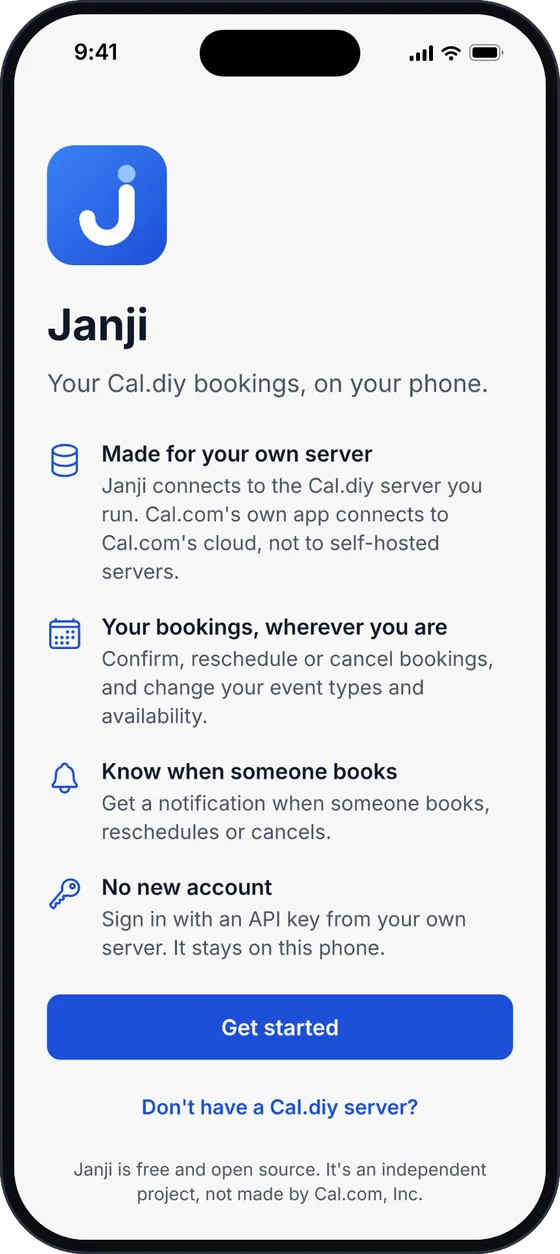
Your Cal.diy bookings, on your phone.
A free, open-source iOS and Android app for self-hosted Cal.diy. I built it to run TechMavie Booking from my phone, because Cal.com's own app only connects to Cal.com's cloud.
In TestFlight testing now. App Store and Google Play releases come next.
Built for my own bookings first
Every TechMavie consultation is booked on TechMavie Booking, a Cal.diy server I run myself at book.techmavie.digital. Running my own server keeps the bookings in my hands, but it also meant there was no phone app for it. So I made one, and Janji is what tells me about your booking.
- STEP 1
You book a session
on book.techmavie.digital
- STEP 2
Cal.diy saves it
on my own server
- STEP 3
A signed webhook
goes to Janji's relay
- STEP 4
My phone buzzes
with a Janji notification
- STEP 5
Handled on the go
confirm, reschedule or cancel
Consultations cover transit, SG-JB and travel-tech projects.
Your scheduling, on the go
The day-to-day of a Cal.diy server, without opening a laptop.
Every booking, close at hand
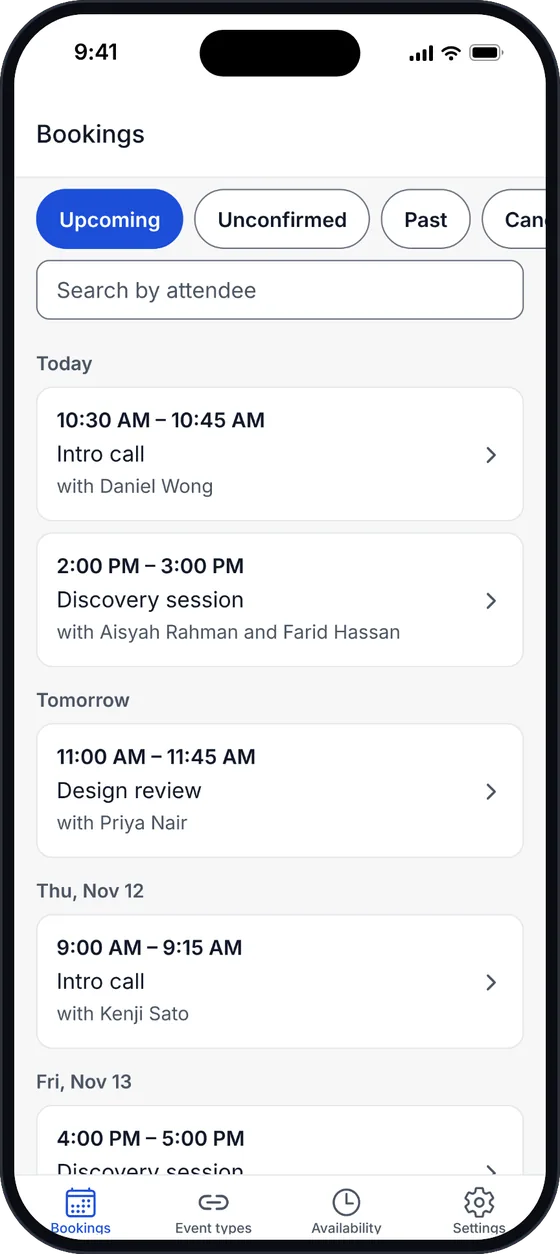
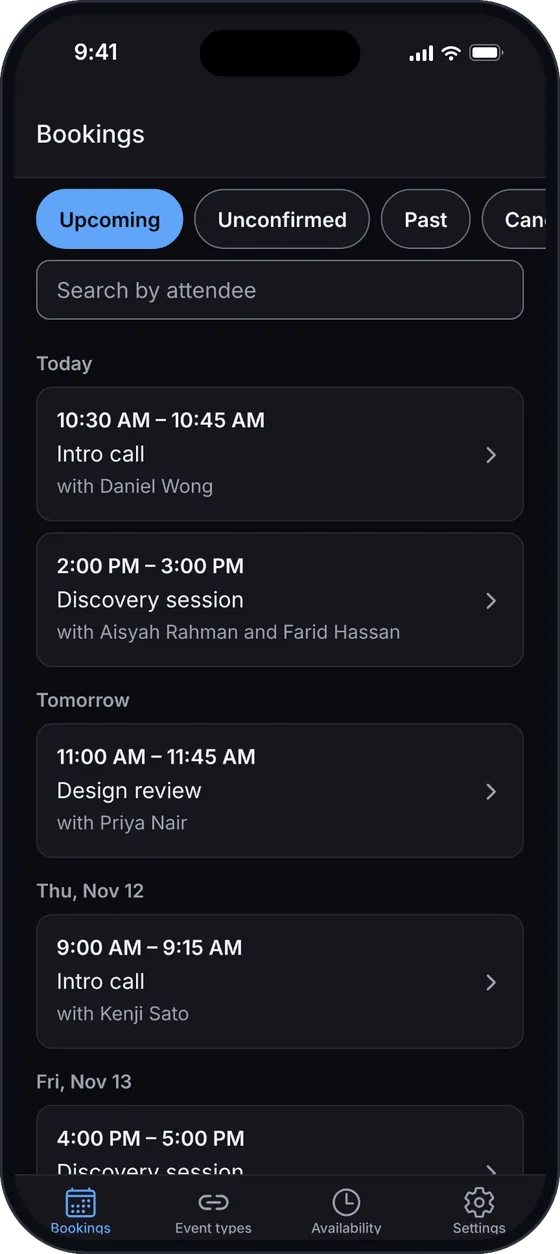
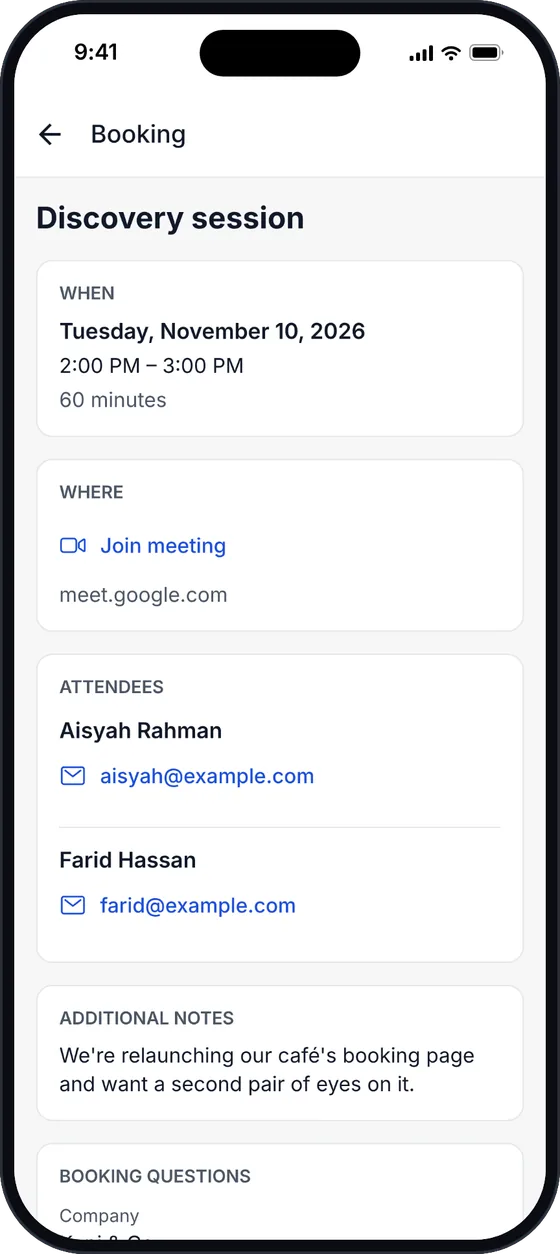
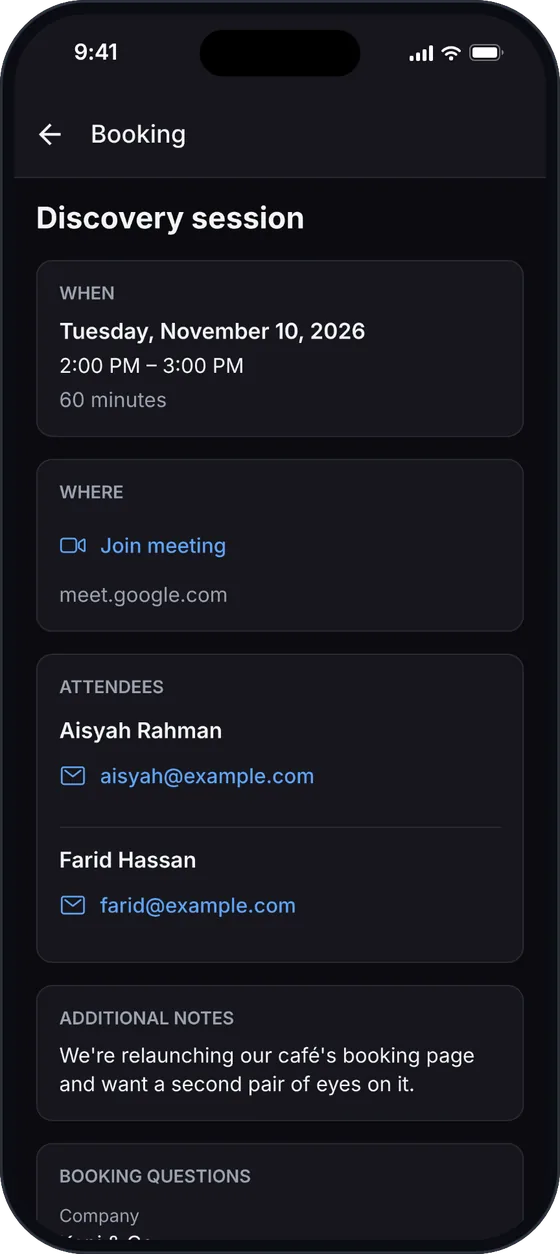
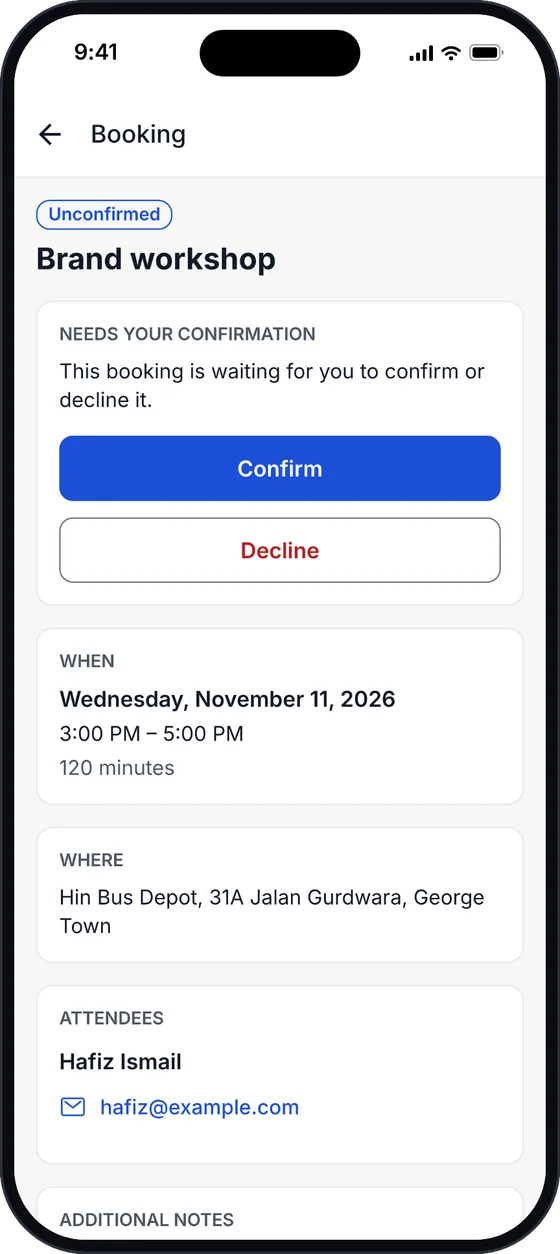
Upcoming, unconfirmed, past and cancelled bookings, grouped by day, with search by attendee. Open one for its time, place, people and answers.
Act on requests
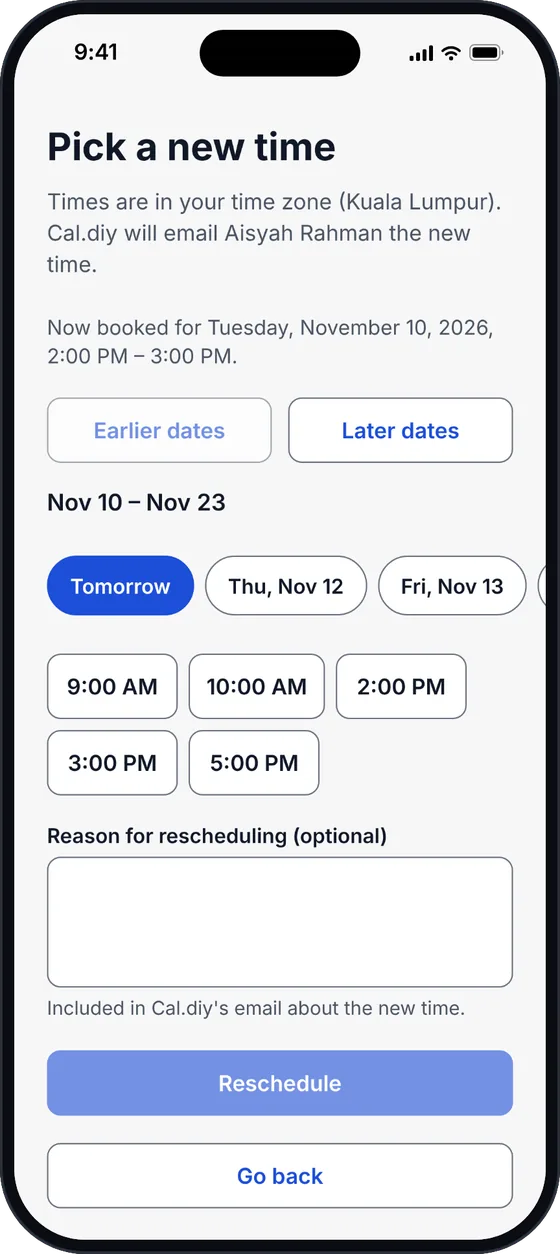
Confirm or decline requests, cancel, reschedule to a free slot, mark no-shows, add guests, share a booking or add it to your calendar.
Event types and links
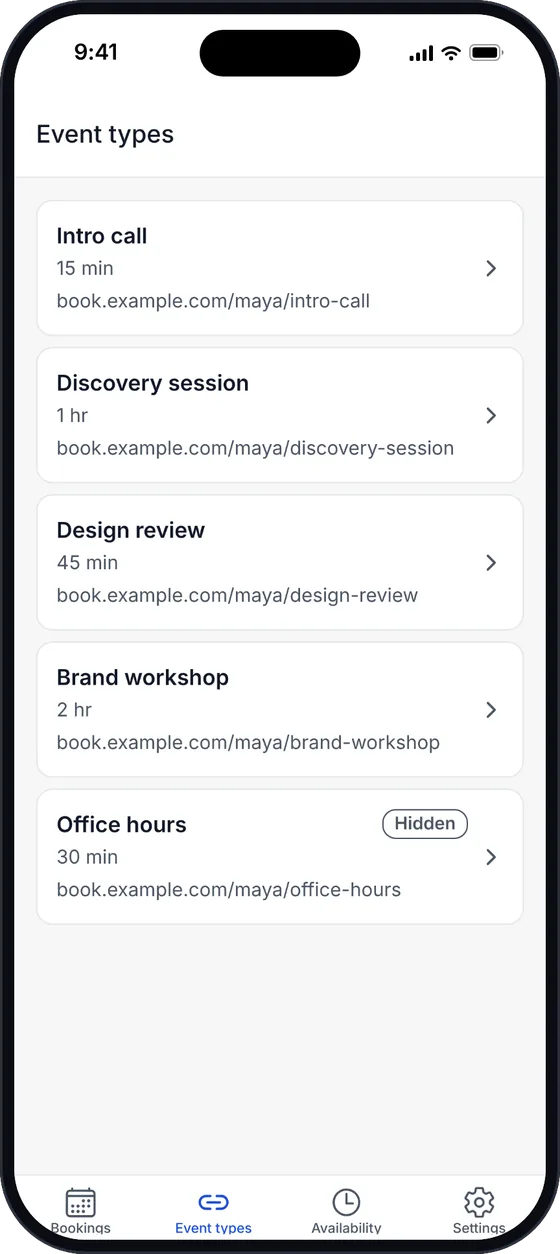
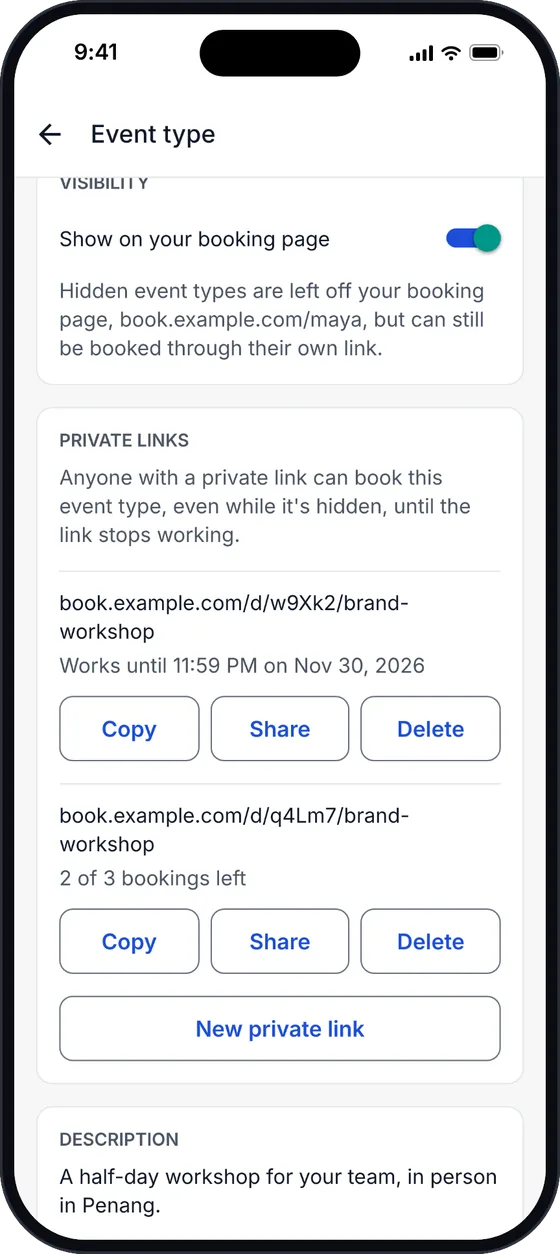
Copy or share booking links, hide or show event types, edit their basics and choose their schedule, and make private links.
Availability
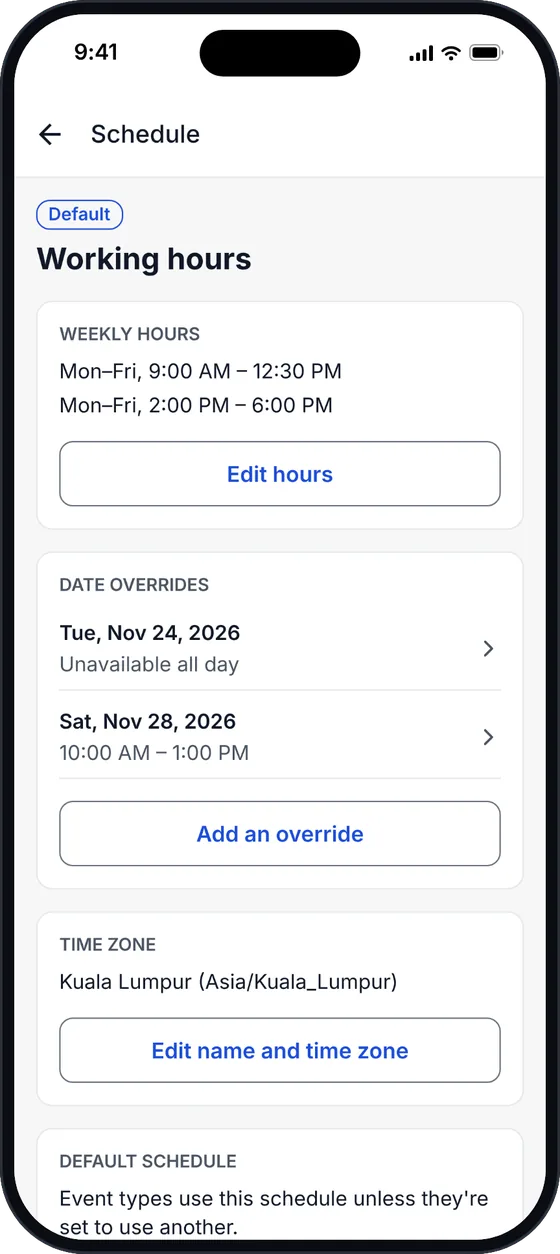
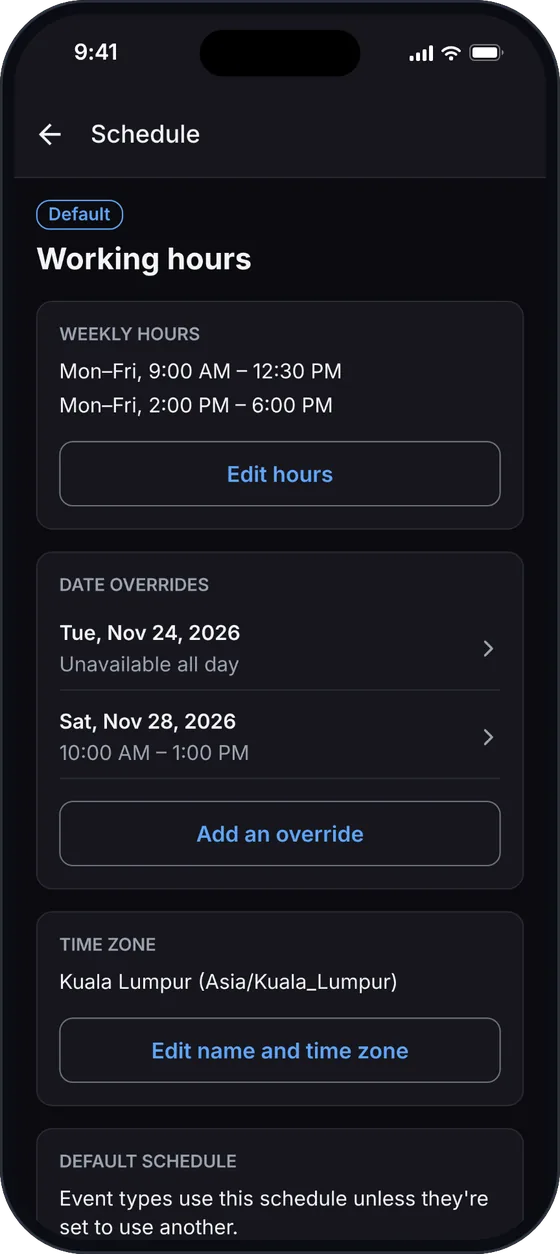
Edit weekly hours, date overrides and time zones, create schedules and choose your default.
Notifications
Get a notification when someone books, asks you to confirm, reschedules or cancels, and choose which of these you want.
No new account
Sign in with an API key from your own server. It stays in your phone's Keychain or Keystore, and only goes to your server.
From sign-in to sorted, in under a minute
A walk through Janji on a demo server with made-up bookings:
- 1Sign in with your server address and an API key
- 2Open a booking: time, meeting link, attendees and answers
- 3Confirm a request, which moves it to your upcoming bookings
- 4Check an event type and its private links
- 5Look over a schedule and its date overrides
A look inside
Screens from a demo server with made-up bookings. Swipe for more.
How it works
Your phone talks to your server. Nothing in between, except for notifications.
Bookings, event types and availability
Everything you see and change goes straight between your phone and your server, through the same API the Cal.diy web app uses. Janji has no server of its own in the middle.
Notifications
Your server sends a signed webhook to a small relay, which checks it and turns it into a push notification for your phone. The relay can run on your own Cloudflare account too.
Privacy, in plain words
- No Janji account, no analytics and no ads.
- Your server's address and your API key stay in the phone's secure storage, and the key is only ever sent to your server.
- Bookings stay on your server. The app holds them in memory while you use it and doesn't save them on the phone.
- The notification relay forwards each notification without keeping or logging the booking, and you can run your own.
- Notifications travel through Expo and Apple's or Google's push service, as every app's notifications do.
Run your own Cal.diy?
Janji works with any self-hosted Cal.diy server that runs Cal API v2.
Cal.diy, self-hosted
There is no hosted version: you run it on a server you manage.
Cal API v2 next to it
A separate Cal.diy service with its own container and Redis.
HTTPS on your domain
With /api/v2 routed to the API, or its own address.
An API key
Created in Cal.diy under Settings → Developer → API keys.
Frequently Asked Questions
Is Janji free?
Does Janji work with a Cal.com account?
Is Janji made by Cal.com?
What does my server need?
Where does my data go?
When can I download it?
I got stuck setting up my server. Where can I get help?
Self-hosting Cal.diy?
Janji is free and open source. Star it on GitHub to follow along until it reaches the App Store and Google Play.